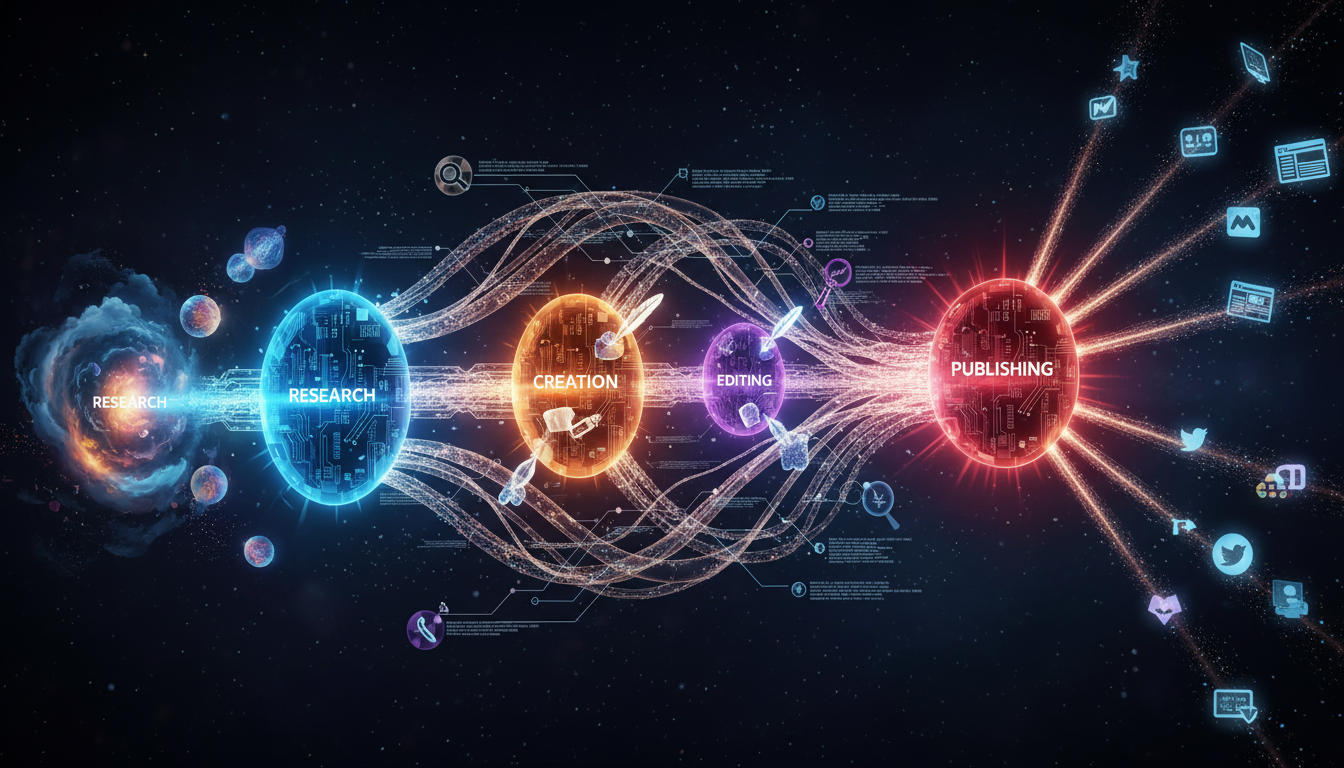
You're reading content that was created by the system I'm about to explain.
That's not a gimmick. It's the point. When I started building tyingshoelaces, I wanted a content system that could document its own construction. Not generated slop, but technical content with real code references, architecture diagrams, and the kind of depth that respects your time.
This newsletter explains exactly how the pipeline works. Every code block you'll see is from the actual codebase. Every architectural decision reflects real trade-offs we made.
The Architecture
The content creation pipeline lives in an MCP (Model Context Protocol) server. MCP is Anthropic's protocol for giving AI models access to tools. Our content-manager server exposes tools that agents can call to research topics, generate content, and publish to multiple platforms.
Here's the actual flow:
sequenceDiagram
    participant Agent
    participant MCP as content-manager MCP
    participant Research as research_content
    participant Gemini as Gemini + Google Search
    participant Artifact as ArtifactRepository
    participant Create as content_create
    participant Skills as SkillService
    participant DB as PostgreSQL

    Agent->>MCP: Call research_content(topic, content_type)
    MCP->>Research: Execute tool
    Research->>Skills: load_skill(research_skill_id)
    Skills-->>Research: Skill markdown instructions
    Research->>Gemini: Query with Google Search grounding
    Gemini-->>Research: SearchGroundedResponse
    Research->>Artifact: save_artifact(ResearchArtifact)
    Artifact-->>Research: artifact_id
    Research-->>Agent: { research_id: "uuid" }

    Agent->>MCP: Call content_create(research_id, slug, instructions)
    MCP->>Create: Execute tool
    Create->>Artifact: load_research_from_artifact(research_id)
    Artifact-->>Create: ResearchArtifact with sources
    Create->>Skills: load_skill(content_skill_id)
    Create->>Skills: load_skill(voice_skill_id)
    Skills-->>Create: Combined skill markdown
    Create->>Gemini: Generate with skill-augmented prompt
    Gemini-->>Create: Generated content
    Create->>DB: Insert markdown_content
    Create-->>Agent: { content_id: "uuid", slug: "..." }
Two tools. Two distinct phases. The research phase produces an artifact that the creation phase consumes. This separation is fundamental.
The Research Tool
The research_content function is where external knowledge enters the system. Here's the actual function signature from extensions/mcp/content-manager/src/tools/content_create/research.rs:
pub async fn research_content(
    db_pool: &DbPool,
    content_type: ContentType,
    topic: &str,
    focus_areas: Option<Vec<String>>,
    urls: Option<Vec<String>>,
    seo_keywords: Option<Vec<String>>,
    ctx: RequestContext,
    ai_service: &AiService,
    skill_loader: &systemprompt::agent::services::SkillService,
    progress: Option<ProgressCallback>,
    mcp_execution_id: &McpExecutionId,
) -> Result<CallToolResult, McpError>
Notice content_type: ContentType. Different content types trigger different research strategies. A blog post needs deep technical research. A LinkedIn post needs platform-specific context. The get_research_config(content_type) function returns the appropriate skill and parameters.
The research flow loads conversation history for context, then calls Gemini with Google Search grounding:
let context_service = ContextService::new(db_pool.clone());
let context_history = context_service
    .load_conversation_history(ctx.context_id().as_str())
    .await
    .unwrap_or_else(|e| {
        tracing::warn!(error = %e, "Failed to load conversation history");
        Vec::new()
    });

let search_response = call_gemini_research(
    &research_prompt,
    &skill_content,
    &context_history,
    ctx.clone(),
    ai_service,
    urls.clone(),
    progress.as_ref(),
)
.await
.map_err(|e| McpError::internal_error(format!("Research API error: {e}"), None))?;
The search_response is a SearchGroundedResponse containing the research content, source citations with relevance scores, and the actual web search queries Gemini executed. We resolve redirect URLs, improve source titles, and package everything into a ResearchArtifact:
let research_data = ResearchData {
    summary: search_response.content.clone(),
    sources: resolved_sources
        .into_iter()
        .zip(search_response.sources.iter())
        .map(|((title, resolved_uri), original_source)| {
            let improved_title = improve_source_title(&title, &resolved_uri);
            SourceCitation {
                title: improved_title,
                uri: resolved_uri,
                relevance: original_source.relevance,
            }
        })
        .collect(),
    queries: search_response.web_search_queries.clone(),
    url_metadata: /* ... */,
};

let artifact = build_research_artifact(
    &research_data,
    topic,
    content_type,
    &research_config,
    &ctx
);
This artifact gets stored in the database with a unique ID. The agent receives that ID and passes it to content_create.
The Content Creation Tool
Here's where the actual content gets generated. The function signature from extensions/mcp/content-manager/src/tools/content_create/create.rs:
pub async fn create_content(
    pool: &DbPool,
    content_type: ContentType,
    research_artifact_id: &str,
    instructions: &str,
    slug: &str,
    keywords: Option<&str>,
    skill_id: &str,
    creation_intent: Option<Value>,
    content_style: Option<&str>,
    ctx: RequestContext,
    ai_service: &AiService,
    image_service: &ImageService,
    skill_loader: &systemprompt::agent::services::SkillService,
    progress: Option<ProgressCallback>,
    mcp_execution_id: &McpExecutionId,
    tool_model_config: Option<ToolModelConfig>,
    explicit_title: Option<&str>,
) -> Result<CallToolResult, McpError>
First, we load the research artifact and extract the summary and sources:
let research = load_research_from_artifact(pool, research_artifact_id)
    .await
    .map_err(|e| McpError::invalid_params(format!("Failed to load research: {e}"), None))?;

let summary = research
    .card
    .sections
    .first()
    .map_or_else(String::new, |s| s.content.clone());

let sources: Vec<ContentLink> = research
    .sources
    .iter()
    .map(|s| ContentLink {
        title: s.title.clone(),
        url: s.uri.clone(),
    })
    .collect();
The Skill Injection Pattern
This is the core architectural insight. Skills are markdown files that define formatting rules, voice guidelines, and platform-specific requirements. They're not code. They're instructions that get injected into the LLM prompt.
let content_skill = skill_loader.load_skill(skill_id, &ctx).await.map_err(|e| {
    McpError::internal_error(format!("Failed to load skill '{skill_id}': {e}"), None)
})?;

let voice_skill_id = match content_style {
    Some("humorous") => "chads_voice",
    _ => "edwards_voice",
};

let voice_skill = skill_loader
    .load_skill(voice_skill_id, &ctx)
    .await
    .unwrap_or_default();

let skill_content = if voice_skill.is_empty() {
    content_skill
} else {
    format!("{voice_skill}\n\n---\n\n{content_skill}")
};
The content_style parameter switches between voices. The voice skill (writing style, tone, signature) gets concatenated with the content skill (format requirements, structure, platform rules). The result is a single markdown document that tells the LLM exactly how to write.
For this Substack article, the content skill specifies:
- 1500-2500 words
- Mermaid diagram required
- Code annotations explaining WHY, not just WHAT
- British English
- Specific signature format
- Two backlinks to tyingshoelaces.com
The LLM receives: research summary + sources + skill instructions + user instructions. It generates content that follows all those constraints.
Tool Registration
The MCP server exposes these tools through a registration pattern in extensions/mcp/content-manager/src/tools/mod.rs:
#[must_use]
pub fn register_tools() -> Vec<Tool> {
    vec![
        create_tool(
            "research_content",
            "Research Content",
            "Research a topic for content creation using external web search...",
            &research_content_input_schema(),
            &research_content_output_schema(),
        ),
        create_tool(
            "content_create",
            "Create Content",
            "Create content from research. Requires research_id from research_content...",
            &content_create_input_schema(),
            &content_create_output_schema(),
        ),
        // ... analytics tools, image generation, etc.
    ]
}
Each tool has input/output JSON schemas that the MCP protocol uses for validation. The agent sees tool descriptions and knows what parameters to pass.
Why This Architecture
Three principles drove these decisions:
Artifact-based decoupling. Research and creation are separate because research is expensive and reusable. If content generation fails or needs iteration, you don't re-run the Google searches. The artifact persists. You can also audit exactly what information influenced a piece of content.
Skills as configuration. Prompt engineering is notoriously brittle. By externalising formatting and voice rules into versioned markdown files, we can update content style without changing code. Adding a new platform means writing a new skill file, not modifying the content creation logic.
Observable progress. The ProgressCallback pattern reports completion percentage at each stage. When something fails, you know exactly where. Research at 70%? The Gemini call succeeded but source resolution failed. Content at 40%? Skill loading worked but generation failed.
What's Next
Next issue: how the analytics pipeline feeds back into content creation. The system tracks which content performs, which skills produce better engagement, and uses that data to inform future research. It's a feedback loop that improves over time.
Read more about the tyingshoelaces architecture for context on how MCP fits into the broader agent mesh.
Thanks for reading. I don't take inbox space lightly.
If this sparked something, reply. I read every response.
Edward
P.S. The Socratic gatekeeper workflow (where the agent interrogates you before researching) is itself defined in the agent's system prompt. The agent refuses to call research_content until you've articulated clear goals. That's a whole separate topic worth exploring.